Start here
Start with the Pinterest Foundations course if you are new: it explains how Pinterest finds and shows pins, then sets up your business account and claims your website. Already pinning but stuck? Pick your situation below and jump straight to the lessons that fix it. Every lesson is free and takes under ten minutes.
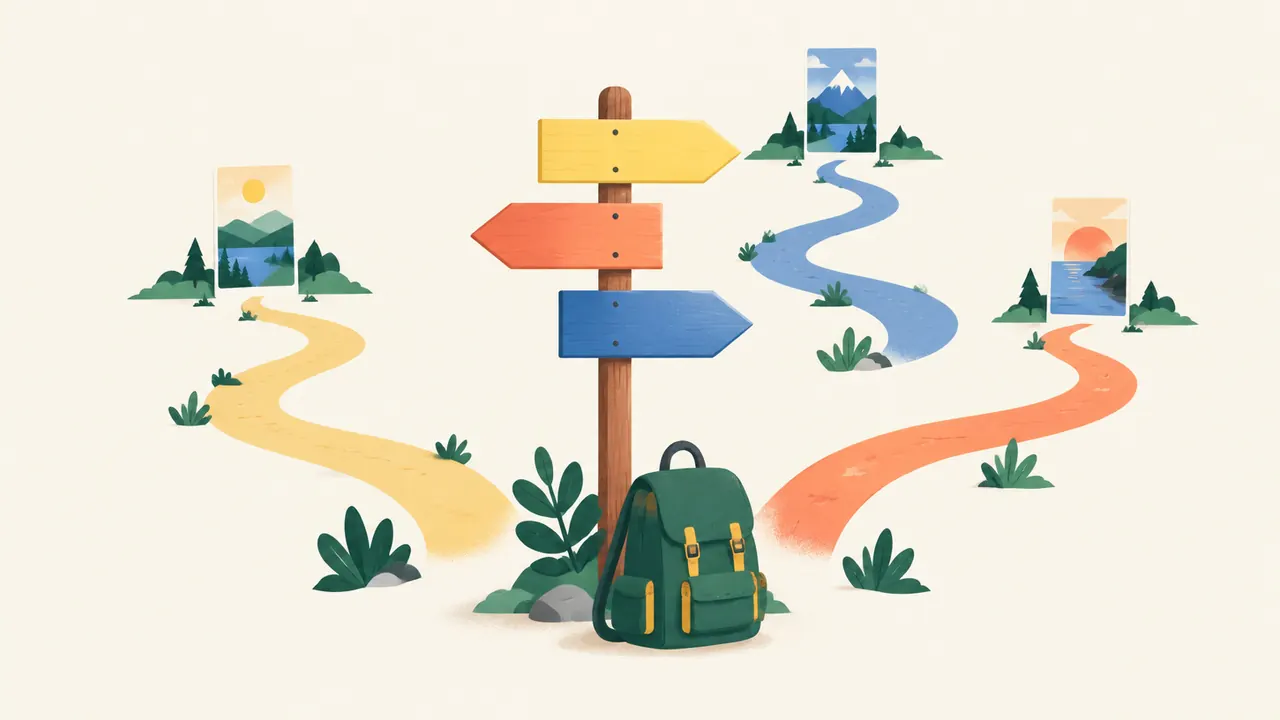
If you are brand new to Pinterest
Take the lessons in order. Each one builds on the last, and the first three take about twenty minutes in total.
- Understand the platform. How Pinterest actually works explains why Pinterest behaves like a search engine and what that means for every pin you make.
- Set up the account. Set up a Pinterest business account, then claim your website so Pinterest can trust your links.
- Learn to be found. The Pinterest SEO course covers keywords, titles, descriptions and boards.
- Follow a plan. Your first 30 days on Pinterest turns the lessons into a day-by-day schedule of 30 to 60 minutes a day.
If you have pins but almost no traffic
Low traffic from an established account usually comes down to keywords, pin design or pace. Check them in this order:
- Pinterest keyword research: are your pins described with the words people actually search?
- Write pin titles and descriptions: does the start of each title say what the pin is?
- Pin design that gets clicks: can someone read your pin on a phone in a second?
- How often to pin: are you publishing fresh pins steadily, or in bursts?
- Read your Pinterest analytics: is the problem impressions, saves or clicks?
If your pins are blocked or your reach dropped
Stop publishing to the affected link first, then read why pins get flagged as spam. It explains the difference between a removed pin, a blocked link and a suspended account, and the steps that fix each. If your numbers fell without any warning, the analytics lesson shows how to tell a seasonal dip from a real problem.
If you run a shop, a service or an affiliate site
The method is the same for every niche; what changes is the kind of pin and the page it links to. Start with Pinterest for every niche, then pin design and seasonal planning, because shops and affiliate sites gain the most from publishing early for the busy seasons.
If you only have ten minutes
Read the Pinterest marketing FAQ for short answers to the questions people ask most, and keep the Pinterest glossary open while you work. Every answer links to the lesson that goes deeper.
How the school is organised
| Course | What you will be able to do | Lessons |
|---|---|---|
| Pinterest Foundations | Explain how Pinterest shows pins and set up an account it trusts | 3 |
| Pinterest SEO | Find keywords and put them where Pinterest reads them | 3 |
| Pins That Get Clicks | Design pins people click, publish at a steady pace and avoid spam filters | 3 |
| Grow and Measure | Plan for the seasons, read your numbers and adapt to your niche | 3 |
Every lesson opens with the short answer, teaches the method by hand, and ends with a practice task for your own account. Mark a lesson complete and the site remembers your progress in this browser, so you can stop and pick up where you left off.